
If you are unsure if auto-renewal is enabled in your account for a Carolinas eClub, contact the CGA Member Services Department at 910-687-4040.
--
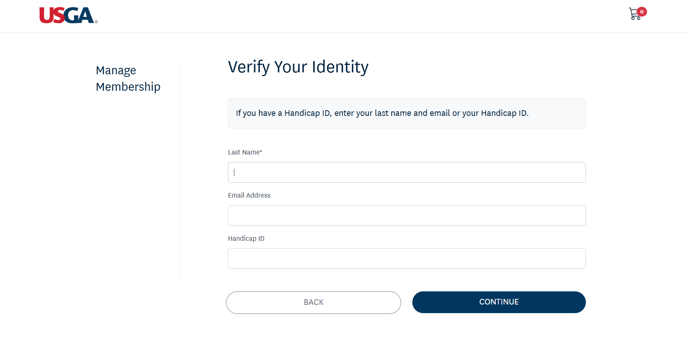
If you are a member of the USGA/Carolinas GC, you can check if auto-renewal is enabled in your account in the Manage Membership portal. You will need to verify your identity by providing your last name and either email address or GHIN number. A verification code will be sent to your email, which will then grant you access to your membership portal.
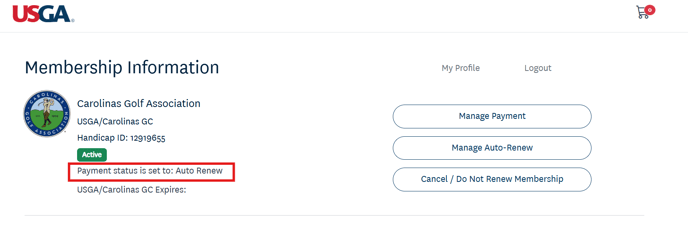
Once you are in the Manage Membership portal, you can see your payment status under the green "Active" box on the Membership Information page.
If you have any questions, please contact the CGA Member Services Department at 910-687-4040.