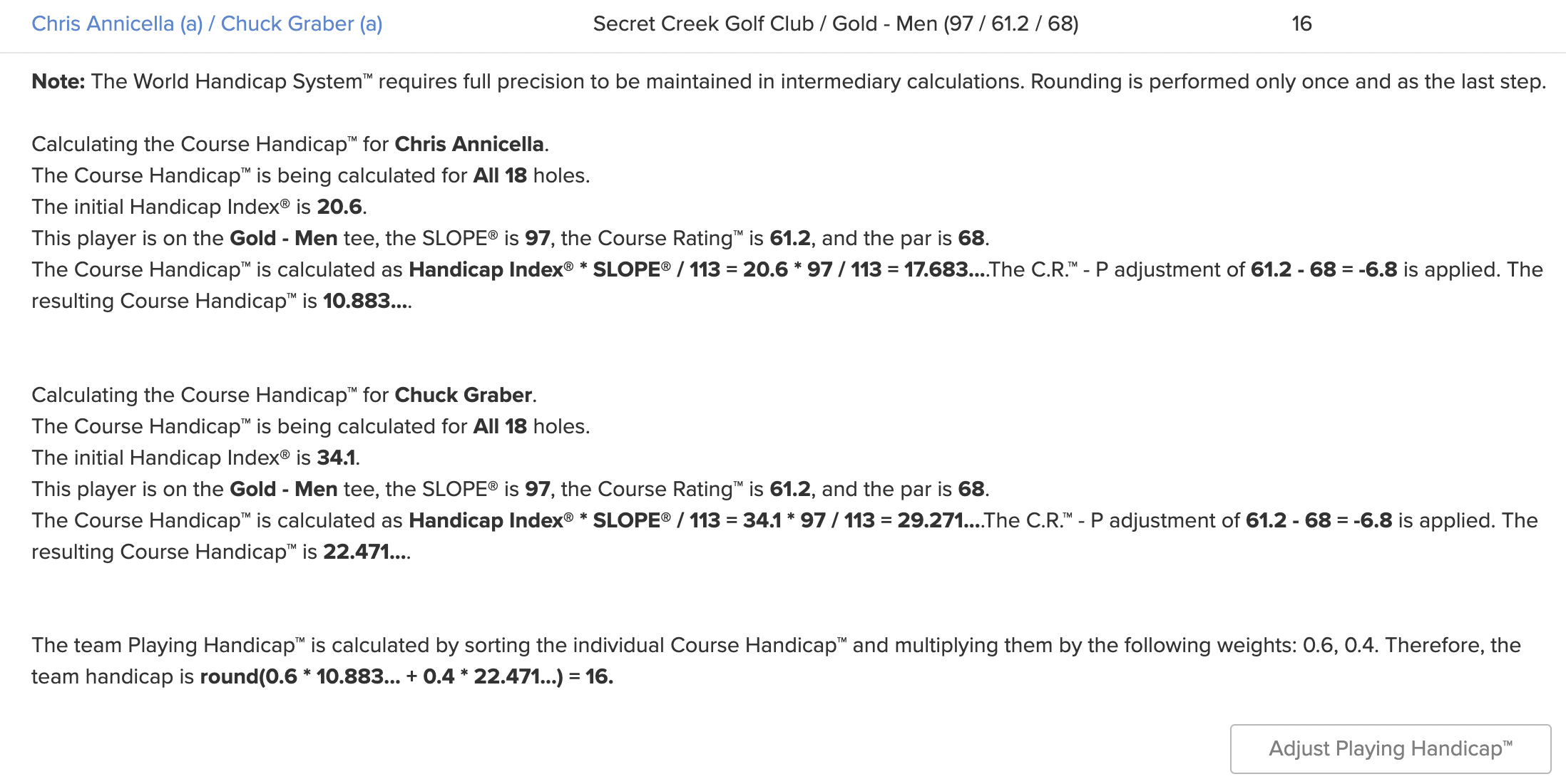
"Why am I only getting 4 shots? I should be getting 7!" is something we've all experienced at some point, right?
The Handicap Analysis allows you to address these questions with a few clicks. To access the Handicap Analysis, go to your Event/League > Rounds tab > Handicap Analysis.
If you have multiple tournaments happening simultaneously in a round, there will be section for each tournament within the Handicap Analysis.
To see how a player or team's Playing Handicap™ was calculated, click on the player/team and the calculation will be expanded. You can override a PH by clicking "Adjust Playing Handicap."